AI-native search,built into your store.

SevenZ BuiltIn understands what a shopper means, answers from your own catalog with your own filters, and puts your products in front of the AI assistants people already shop with.

Shopify, product feeds or any catalog. One script tag. Fails open to your own search.

Demo of SevenZ BuiltIn on the Northbound Supply storefront: a shopper types “navy longsleeve under 1 000 kr”, Instant suggests searches and products while they type, the Overlay opens with results under the store’s own colour and price filters, and a refine bar narrows them to waffle knit.

01 · Why

Store search still matches words. Shoppers describe what they want.

Shopper typed

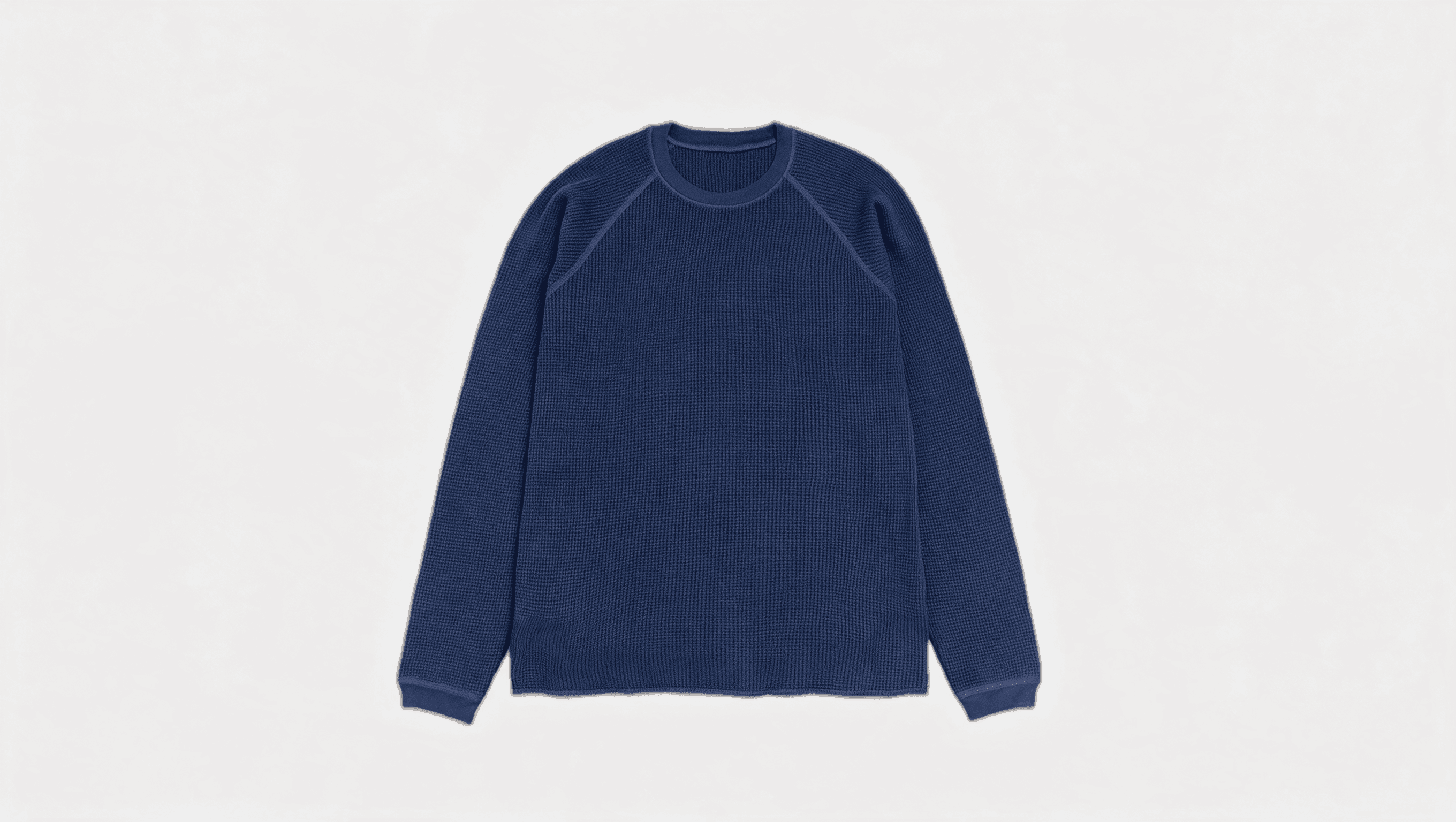
svart långärmad tröja i våffelstickat under 1 000 kr

One sentence, in Swedish, with a colour, a material and a budget.

Keyword search

0 results

Did you mean ‘tröja’?

SevenZ

Colour: BlackMaterial: WafflePrice: under 1 000 kr

4 results

Driftwood Waffle Thermal

Driftwood Waffle Thermal

795 kr

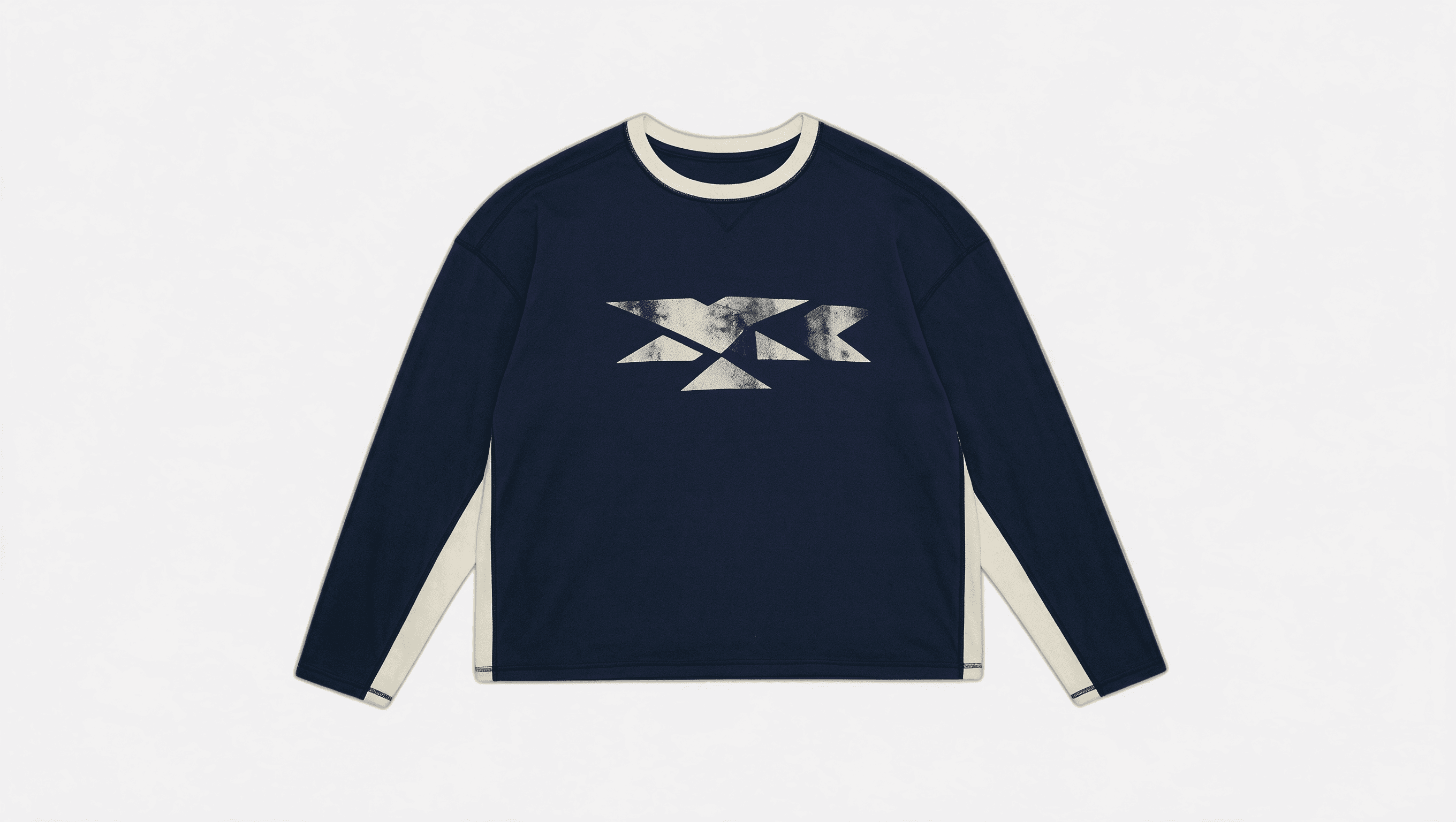
Basecamp Peak Longsleeve

Basecamp Peak Longsleeve

895 kr

Signal Longsleeve

Signal Longsleeve

945 kr

Understands intent

Swedish and English, typos, prices and sizes, images.

Answers in your vocabulary

Your filters, labels and categories are the output; AI enrichment maps into them.

Never breaks your store

Attaches to your search box, zero layout shift, falls back to your own search if anything is slow.

02 · How it works

Connected, synced, installed, measured.

From a catalog to search on your storefront, in four steps you can watch from Studio, the terminal or your agent.

Step 1 of 4

Connect your catalog

Shopify through the app, anything else through a product feed. The first import runs with live progress.

  • Shopify app, or a Google Shopping feed, CSV or JSON
  • Import progress in Studio, the terminal or your agent
  • Enriched and embedded once, then only when something changes

Example from the demo store: a Shopify connection to northbound.myshopify.com, connected with 2,000 products imported, and a second row for Google Shopping feeds, CSV and JSON for any other platform.

or from the terminal
sevenz connect shopify --shop northbound.myshopify.com --wait

03 · Where it shows up

One catalog understanding. Three places it works.

On your storefront

Illustration of the three storefront GUIs: Instant suggestions under the search box, the Overlay with the store’s own filters and results, and the Chat drawer, which is coming soon.

Instant on your search box. The Overlay for full results, image search, your filters and a refine bar. Chat for questions about products, sizes and policies.


Inside AI assistants

Soon

Mock of an AI assistant conversation. Asked for a navy longsleeve under 1 000 kr from a Swedish store, the assistant lists three products from Northbound Supply, each with the store’s name and a link back to northbound.se.

Opted-in catalogs become searchable by AI assistants through SevenZ’s Shopping MCP. Every result carries your store’s name and a link back to you.

In the SevenZ app

Optional
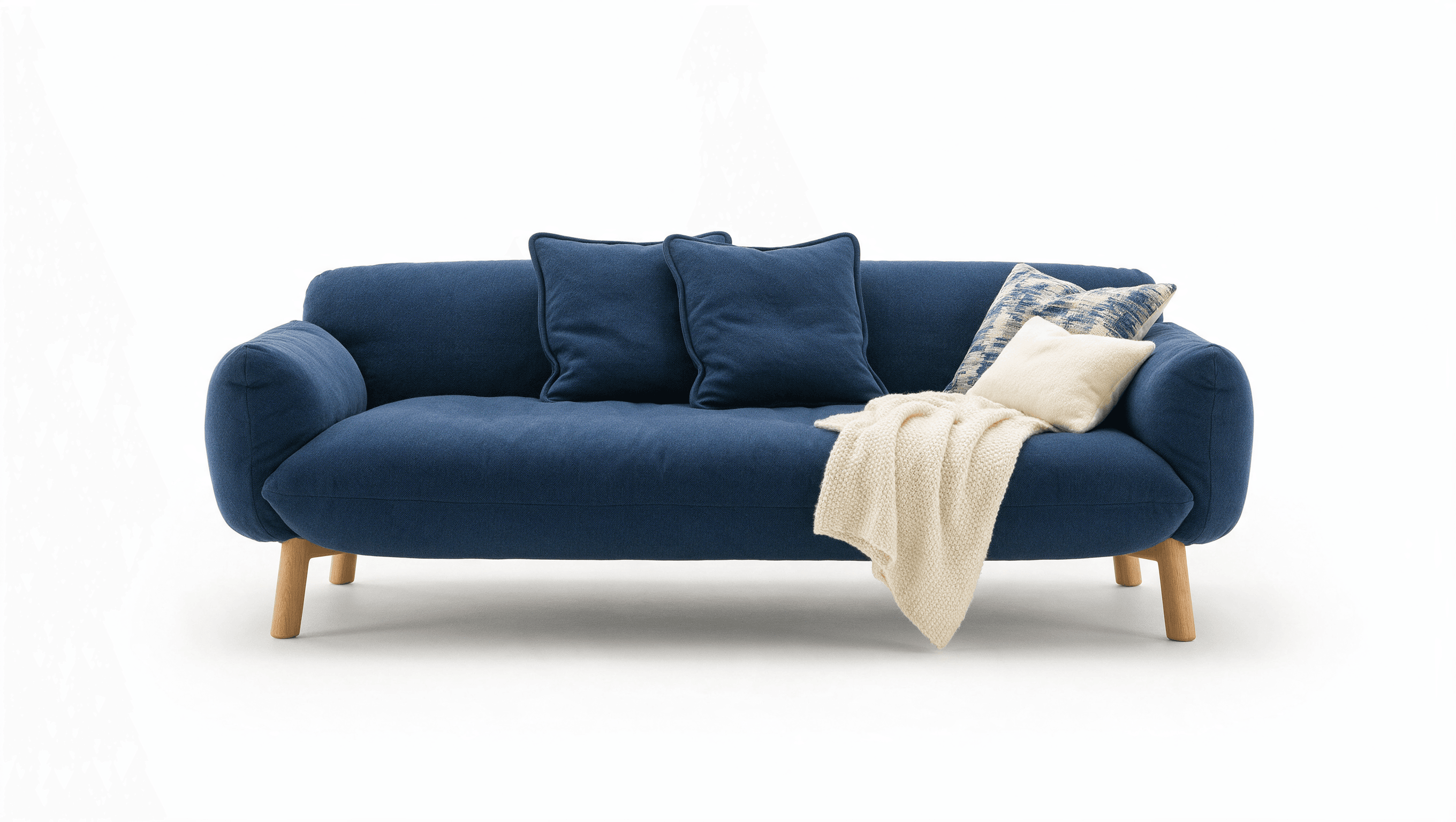
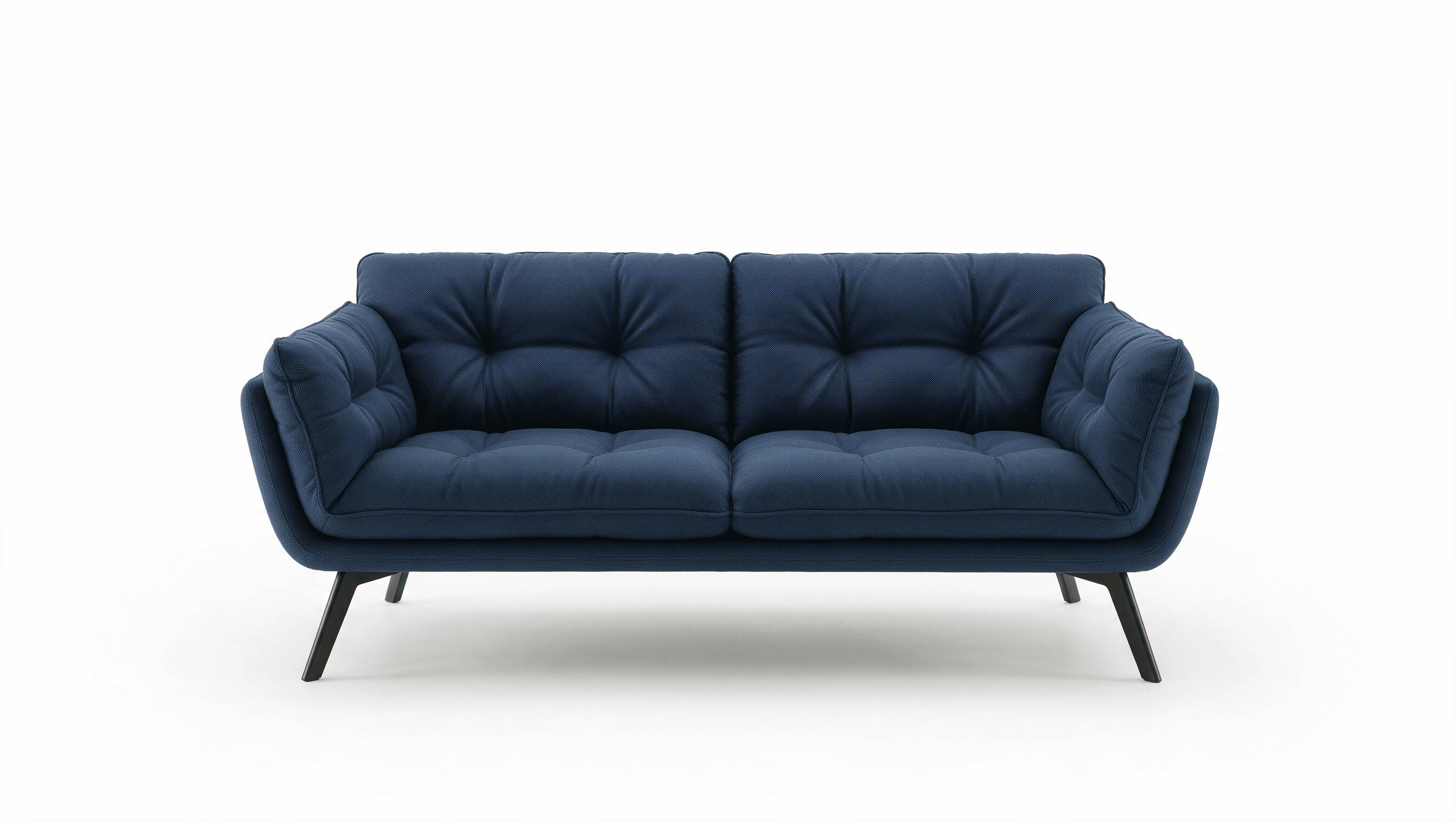
Blue livingroom couch fitting for a family
Birchwood — Cove Sofa

Birchwood — Cove Sofa

$1,895

Thistle Home — Windsor Sofa

Thistle Home — Windsor Sofa

$2,250

Alcove — Bramble Sofa

Alcove — Bramble Sofa

$1,750

Camden Loft — Reid Sofa

Camden Loft — Reid Sofa

$2,395

Wren & Co. — Lowline Sofa

Wren & Co. — Lowline Sofa

$1,650

Haven — Block Sofa

Haven — Block Sofa

$1,795

Your products in SevenZ’s own shopping app. Included if you want it, under a separate agreement you can revoke.

04 · Built for agents

Your AI agent can set it up. People keep the keys.

northbound — zsh

Terminal demo: the sevenz command line connects a product feed, imports 2,000 items, shows the setup checklist and publishes the widget.

$ sevenz connect feed --url https://northbound.se/feeds/google.xml --currency SEK --locale sv --wait
  Fetched 2,000 items · 0 skipped
  Importing 2,000 / 2,000 ████████████ 100%
  Enriched and embedded · 12 filter values to review
$ sevenz status
  ✓ Catalog connected   ✓ First import   ○ Review filters   ○ Install on the store
$ sevenz widget publish && sevenz widget preview
  Version 3 published · preview: https://northbound.se/?sz_preview=…

The sevenz CLI. Every command takes --json and --wait; a step for a person exits 4 with a link.

MCP servers

Soon
Setup MCP
npx @sevenz/mcp
sevenz mcp install --client claude-code

Clients

  • Claude Code
  • Claude Desktop
  • Cursor
  • VS Code

Tools

  • get_setup_status
  • create_feed_connection
  • test_search
  • apply_facet_mappings
  • publish_widget
  • get_analytics_summary

People only

Accepting agreements, paying, deleting data and revealing secrets return a link for a person. Changes that add cost wait for approval.

Exit codes
CodeMeaning
0OK
4Needs a person
8Confirmation required
10Partial success

The same Management API drives Studio, the CLI and the MCP servers, so they never disagree about what is done.

05 · SevenZ Studio

Run it from one console.

Studio overview for the demo store: connection synced, 2,000 products, widget live, last sync 4 minutes ago, and a setup checklist at 83 percent with the next step, go live, highlighted.

  • Setup checklist with the next step always visible.
  • Preview the draft on your real store, for you only, from a link or a QR code.
  • Publish immutable versions, roll back in one click, kill it in one more.

06 · Under the hood

Your catalog, your schema, hosted in the EU.

  1. Your store

    • Shopify · feed
  2. Connectors and sync

    • Webhooks · scheduled pulls
  3. Your workspace

    • One Postgres schema per store
  4. Engine

    • Understand
    • Hybrid retrieval: vector, text, trigram
    • Your facets
    • Rank
  5. Query API

    • A query id on every response
  6. Surfaces

    • Instant
    • Overlay
    • Chat Soon
    • JS SDK
    • Assistants Soon
  • EU first

    Data, compute and AI processing in EU regions, through Vertex AI.

  • Isolated per workspace

    One schema per store, every request under a read-only role.

  • Fails open

    Your own search within 800 ms if SevenZ is slow or down.

  • Light

    Loader under 6 KB, zero layout shift, nothing blocks rendering.

  • Accessible

    WCAG 2.2 AA; the configurator refuses themes below AA contrast.

  • Measured

    Every response carries a query id; every pilot is an A/B split.

Connects to what you already run.

Catalog

Shopify through the app. Everything else through a product feed, or headless through the Query API and the JS SDK.

  • Shopify
  • Google Shopping feed
  • CSV
  • JSON
  • Headless (Query API, JS SDK)

Agent clients

Via the CLI and MCP.

  • Claude Code
  • Claude Desktop
  • Cursor
  • VS Code

Shoppers' assistants

Soon

Opted-in catalogs, through SevenZ's Shopping MCP.

  • Claude
  • ChatGPT
  • Gemini

07 · FAQ

Common questions.

Does it replace our search?

No. It attaches to your existing search box. If SevenZ is slow or down, shoppers get your own search, within 800 ms.

Which platforms?

Shopify today, plus Google Shopping feeds, CSV and JSON. Anything else through the Query API and the JS SDK.

Where is our data processed?

In EU regions, including the AI processing. Each store has its own isolated schema.

What happens to our filters and categories?

They stay yours. SevenZ maps what it understands into your labels, never the other way around.

Can an AI agent set it up?

Yes, through the sevenz CLI today, and through MCP servers soon. People keep agreements, billing and deletion.

What does it cost?

Plans follow catalog size and how fresh you want each data class. Talk to us for a pilot.

08 · Contact

See it on your store.

Tell us about your store. We set SevenZ up on your own catalog and show you the difference against your current search.

Or email

hello@sevenz.ai
  • EU hosting
  • Pilots run as A/B tests
  • No change to your theme